Your photos decide whether anyone clicks your listing
On Zillow, Realtor.com or Rightmove, a buyer gives each listing a fraction of a second. The cover photo does almost all the work: it decides whether someone opens your listing or scrolls to the next one. Price, location and floor area matter, but they only get read if the photo earns the click. A dark living room, a cluttered bedroom or a bare concrete shell can bury a great property halfway down the search results — and on the MLS, halfway down might as well be invisible.
Presentation is not cosmetic; it moves the numbers that matter. According to RESA, the Real Estate Staging Association, professionally staged homes spend up to 73% less time on the market. That is the gap between a listing that lingers and one that sells. Real estate photo enhancement AI puts that level of presentation within reach of every agent — no photographer, no stager, no rented furniture.
What the AI does to a photo: four modes, always your real room
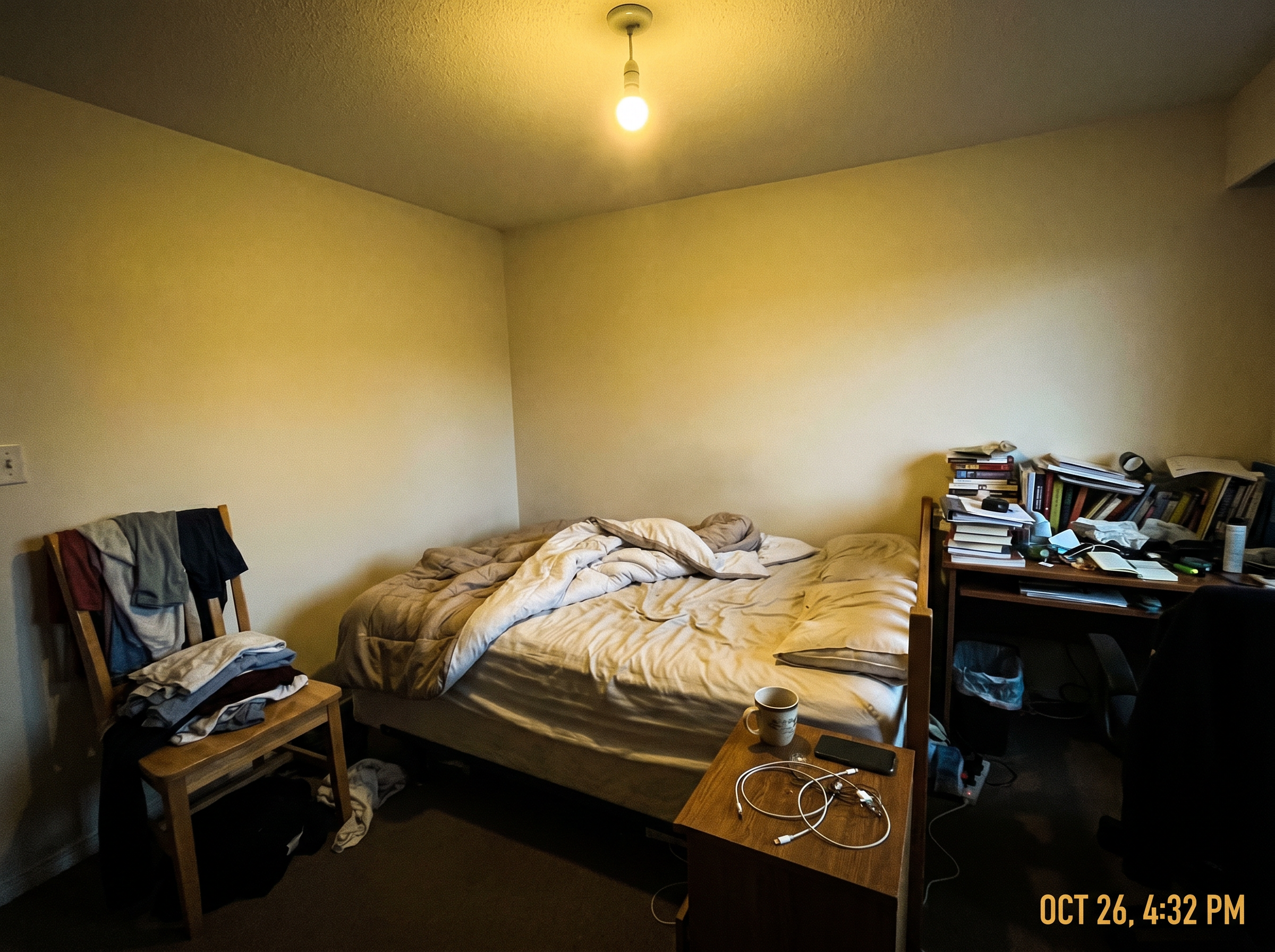
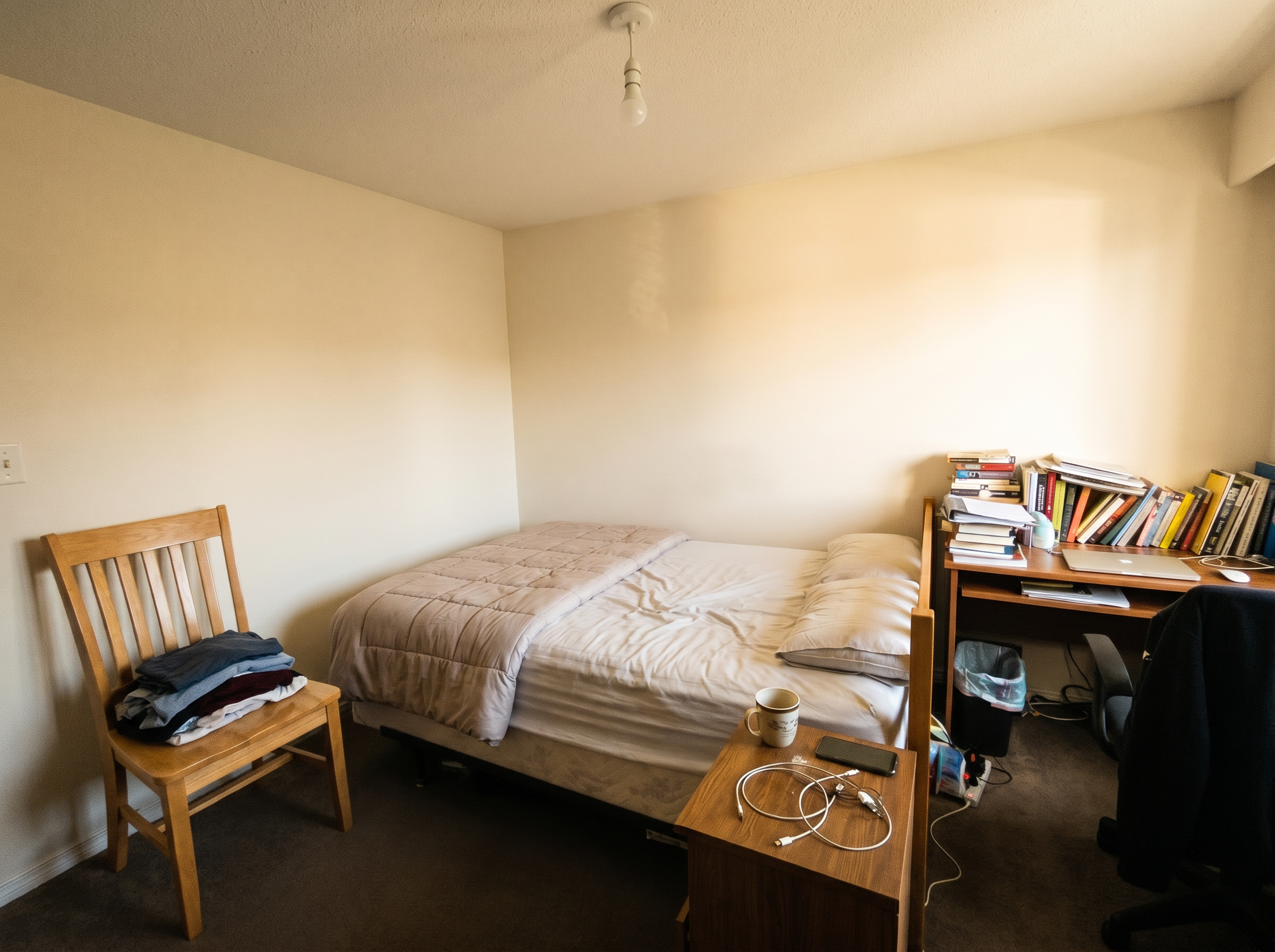
Predileto works from a single photo and gives you four editing modes. The first is enhance and declutter: the AI fixes the light, balances the colours and clears the visual noise from a cluttered room — laundry on the chair, dishes on the counter, boxes on the floor. The result is the same room, just as it would look after a proper tidy-up, shot in magazine light.
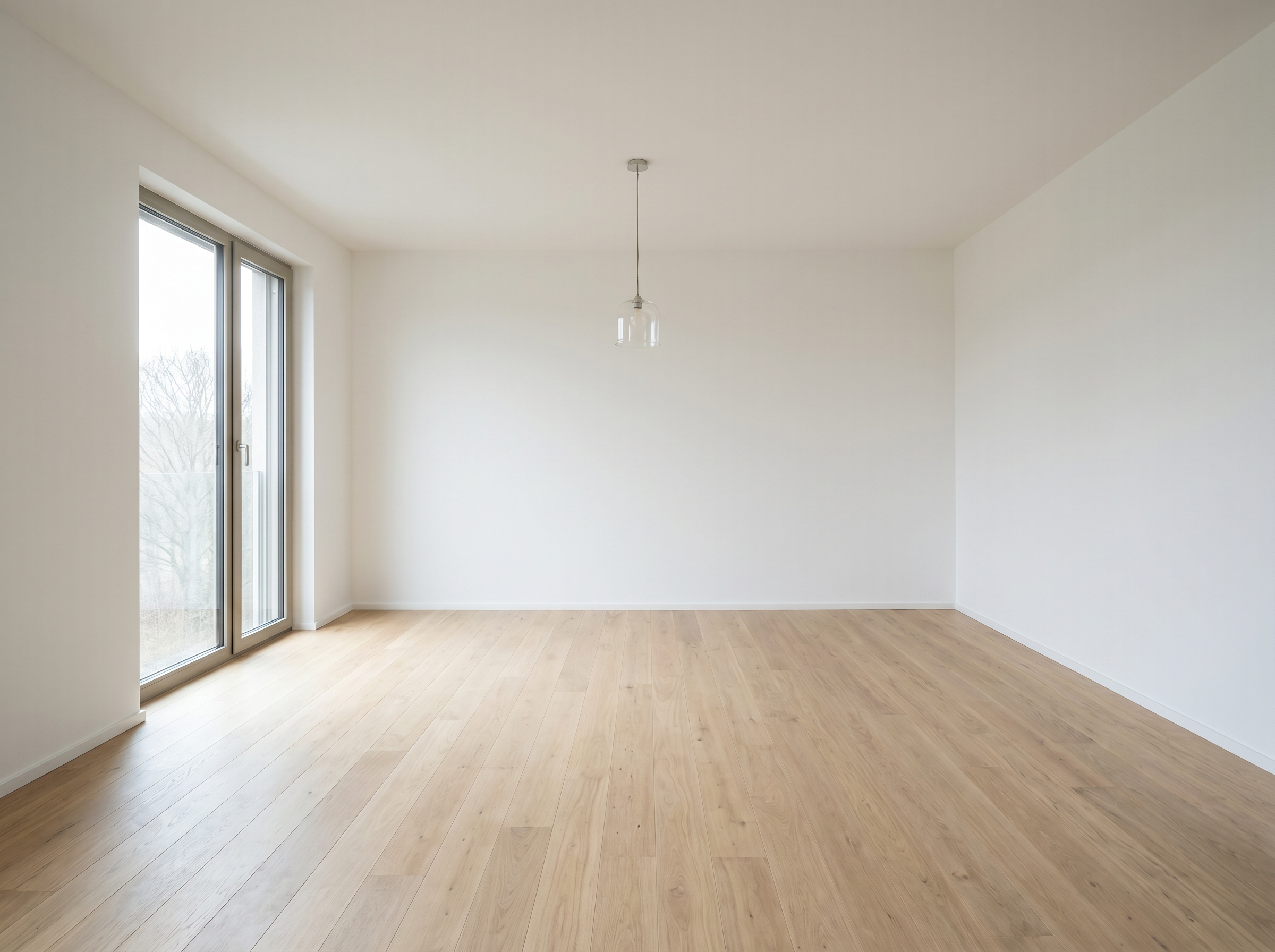
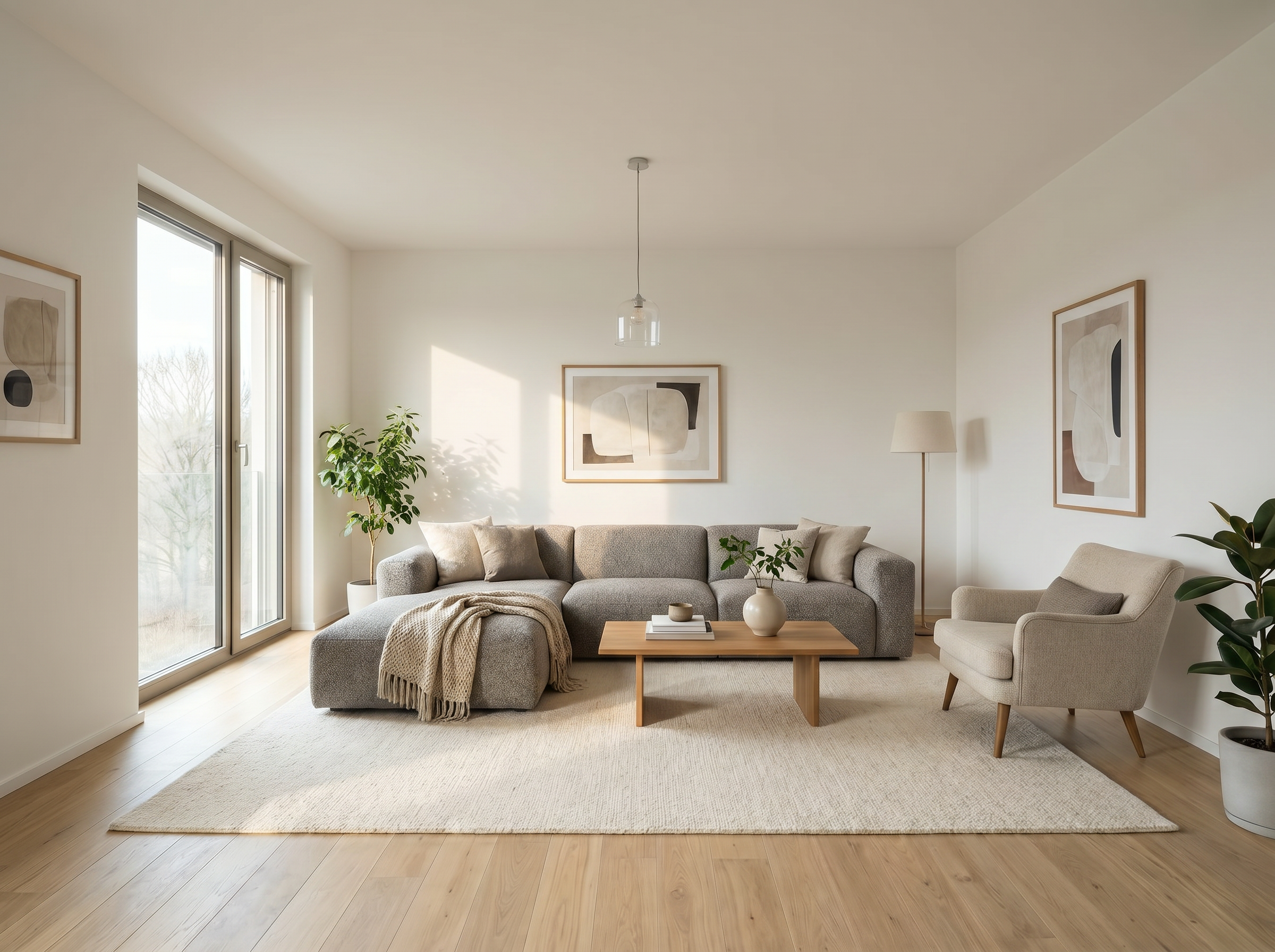
The second mode is virtual staging: furnishing an empty room. The AI places realistic furniture and decor inside the actual space in your photo, so buyers can picture living there instead of staring at bare walls. The third mode does the opposite — it empties a furnished room, useful when dated decor is putting buyers off or you want to show the raw potential of the space.
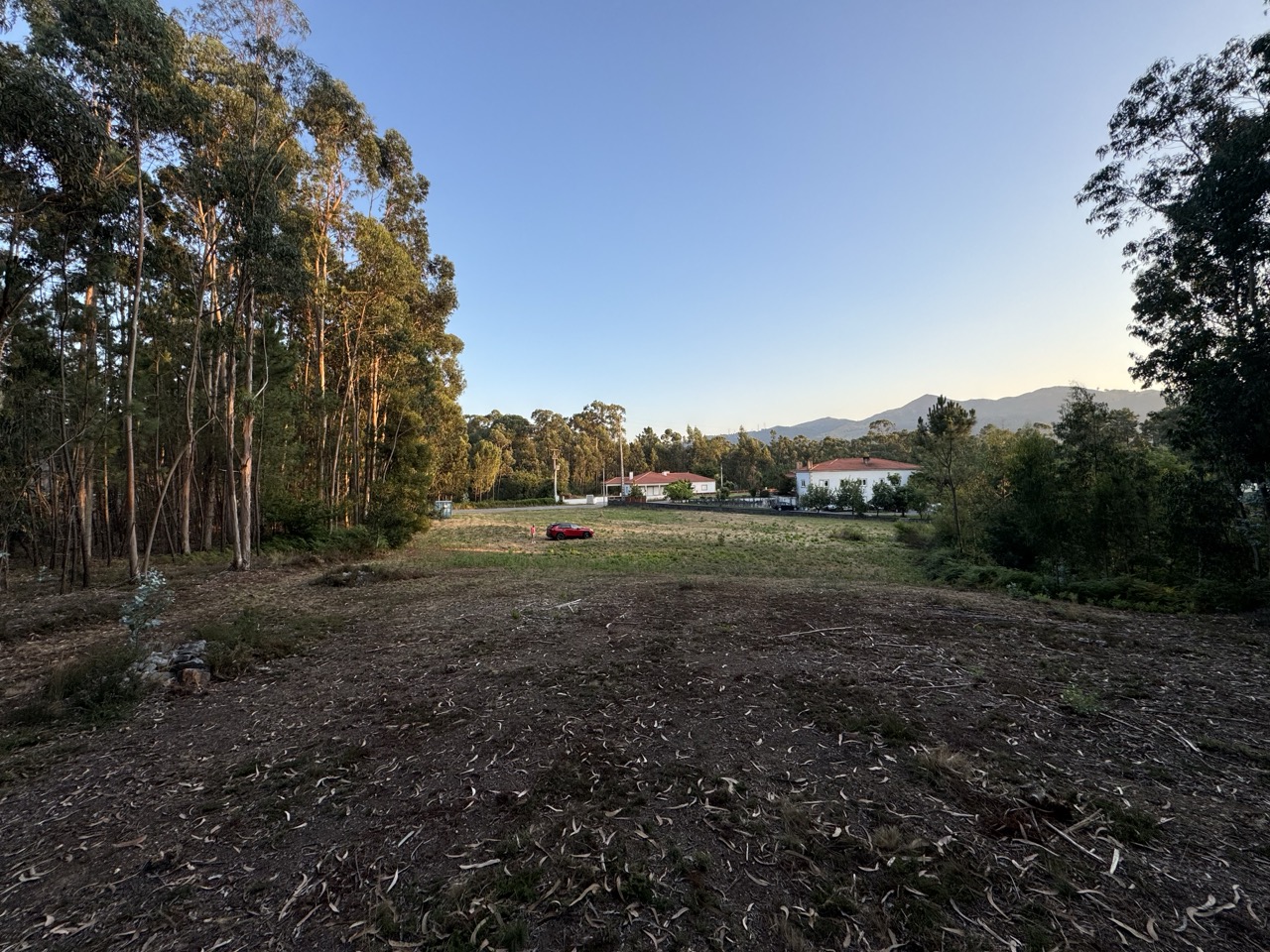
The fourth mode is a renovation preview: it shows how the room could look after a refurbishment, without touching the structure. In every mode, the AI is constrained to the photo you upload. It improves light, order and presentation, or stages the real space — it never invents rooms and never changes the layout or the architecture. What buyers see is always the actual home.
How it works, from upload to portal-ready
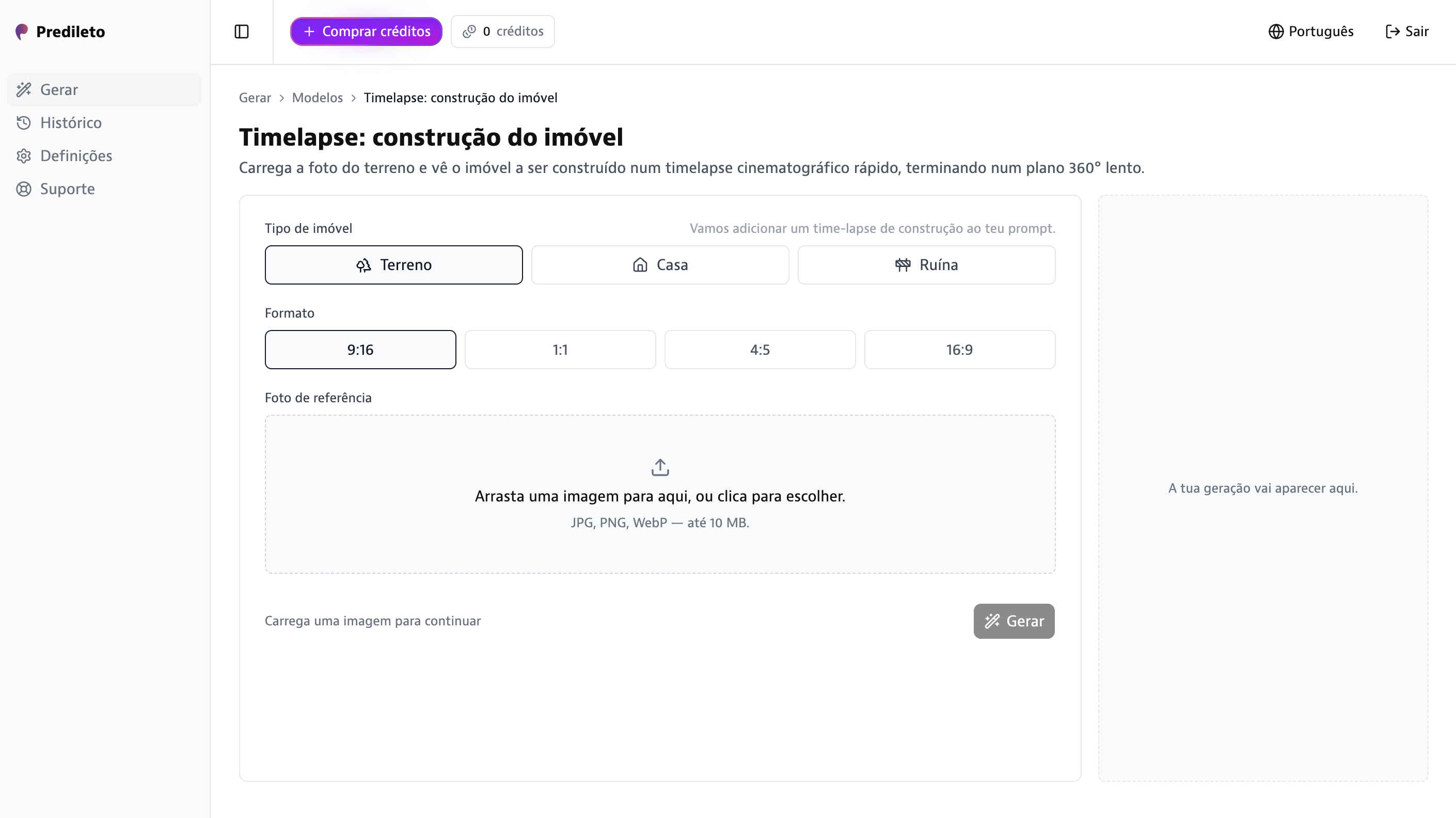
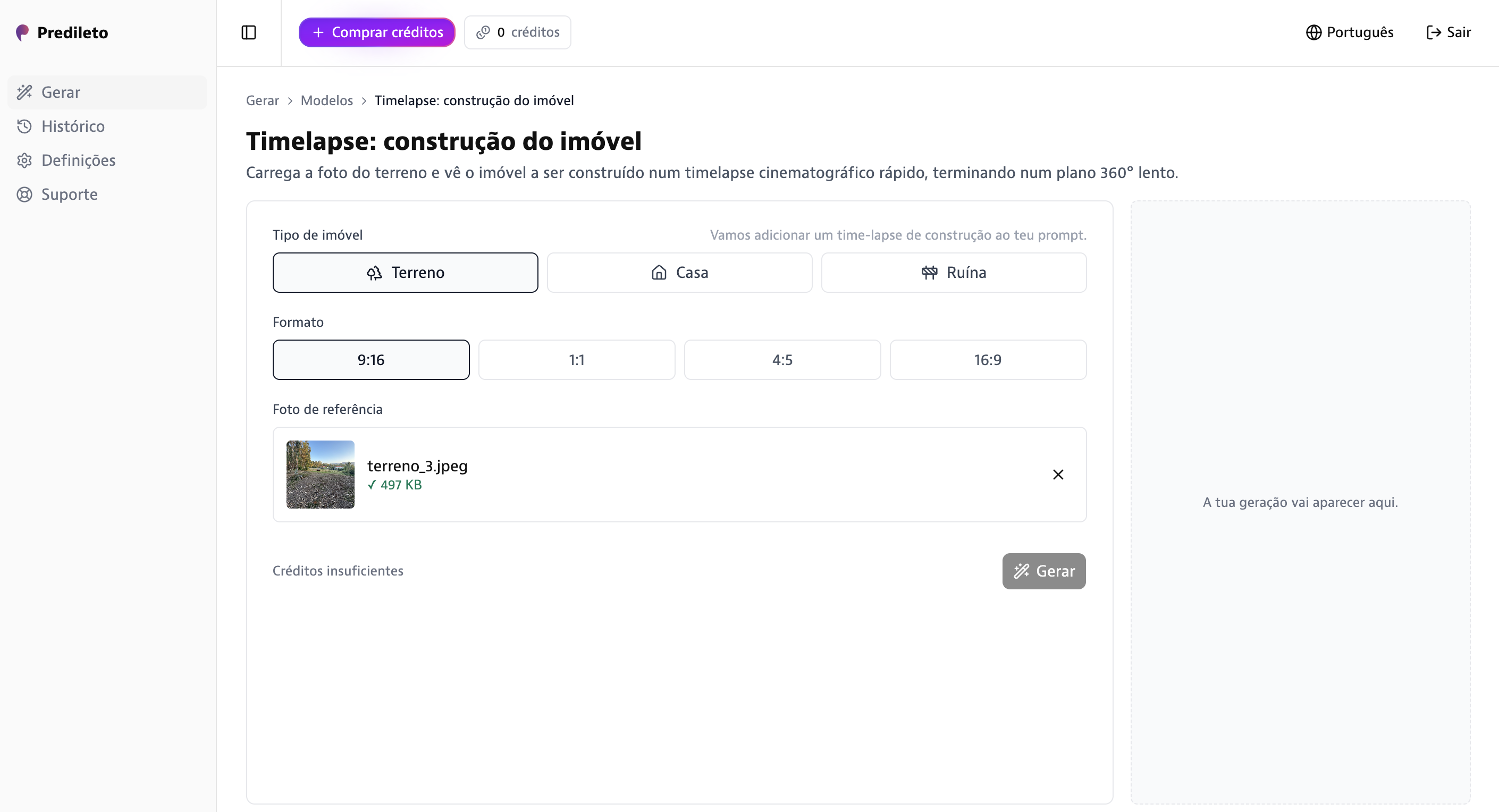
Step one: pick a photo of the room — a phone shot is fine, in JPG, PNG or WebP up to 10 MB. The straighter the angle and the more of the room it shows, the better the result. Step two: upload it to Predileto and choose a mode — enhance, furnish, empty, or renovation preview. That choice is the whole brief; there are no sliders, layers or masks to learn.
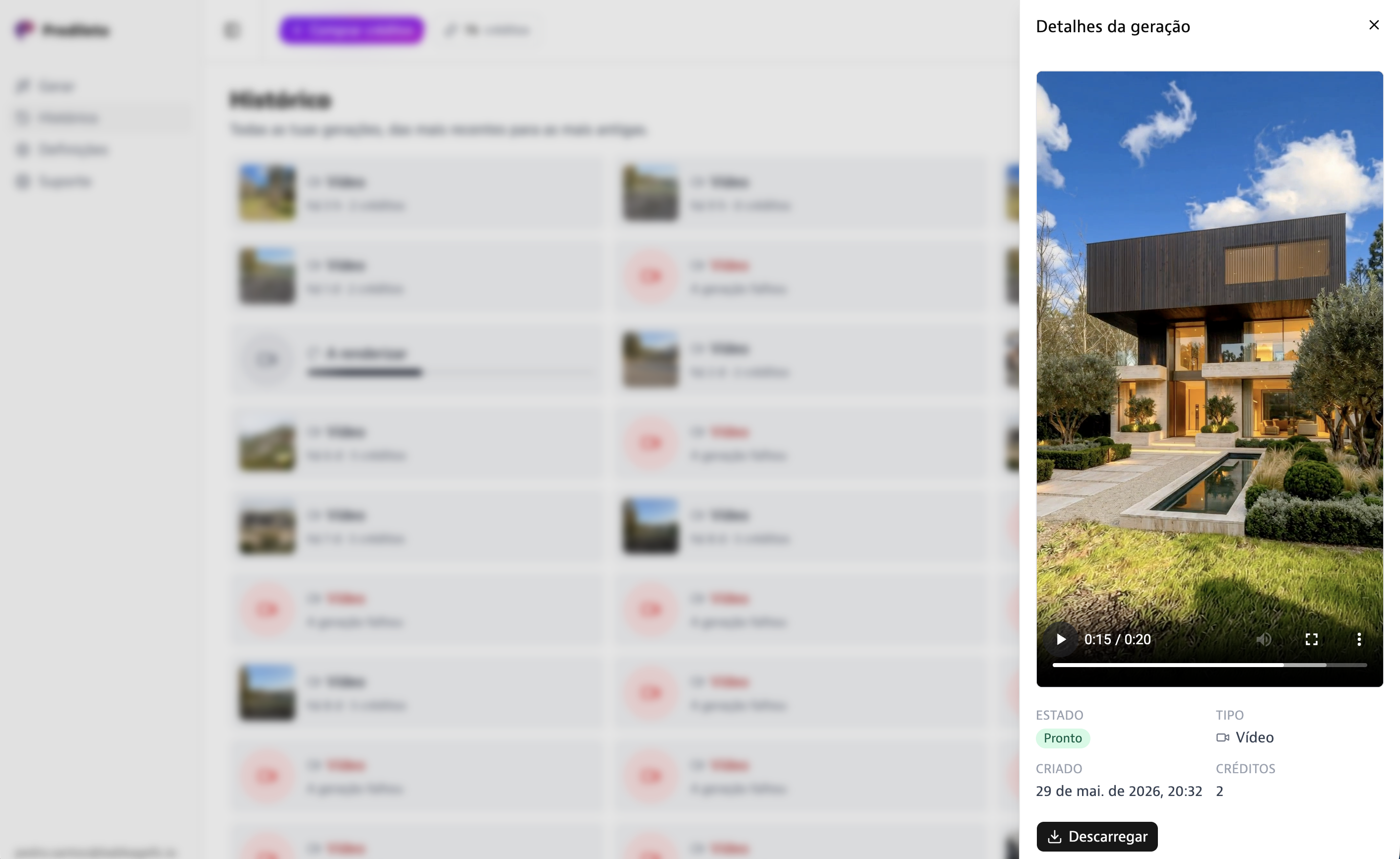
Step three: the job runs in the background and your image comes back in under a minute, in the format you need — 9:16 for stories, 1:1, 16:9 or 3:4 for the portals. Step four: download and publish to Zillow, Rightmove, your MLS feed or social media. When you want more than a still, the same photo can become a short video in 2–4 minutes. Real estate photo enhancement AI turns a week of back-and-forth with an editor into a one-minute task.
Pricing: about €0.24 per enhanced image
The Pro plan is €24 + VAT per month and includes 100 credits. One enhanced image costs 1 credit — roughly €0.24 per photo. A full listing with eight edited photos comes in under €2. If you publish at volume, the Unlimited plan gives you unlimited use for €99 + VAT per month. Billing is monthly, you can cancel anytime, and signing up is free.
Compare that with the traditional route: professional photo editing and virtual staging services bill per image, and the invoice multiplies with every photo of every listing — with turnaround measured in days rather than minutes. With Predileto you get full commercial rights to every image and a per-photo cost you know before you start. If you enhance real estate photos every week, the maths is short.